7:40 am
On the stairs.
The electricity bill is due before the 10th. You'll remember at your desk. By the desk, it's gone.
Pay the electricity bill9th · reminder
We have things to do. And we need people to do things for us.
We’re just trying to make both easy.
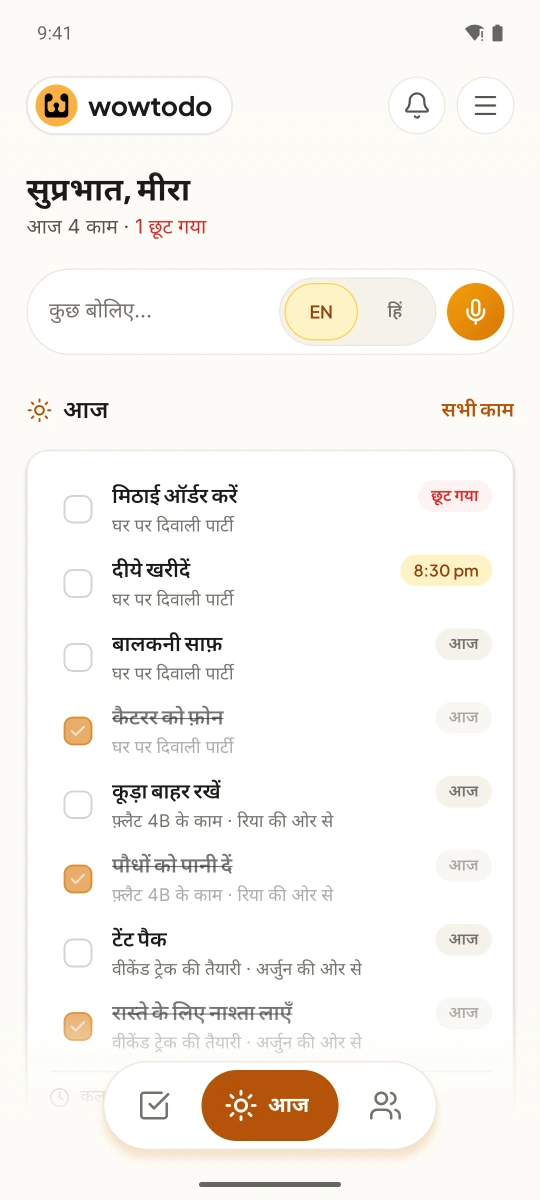
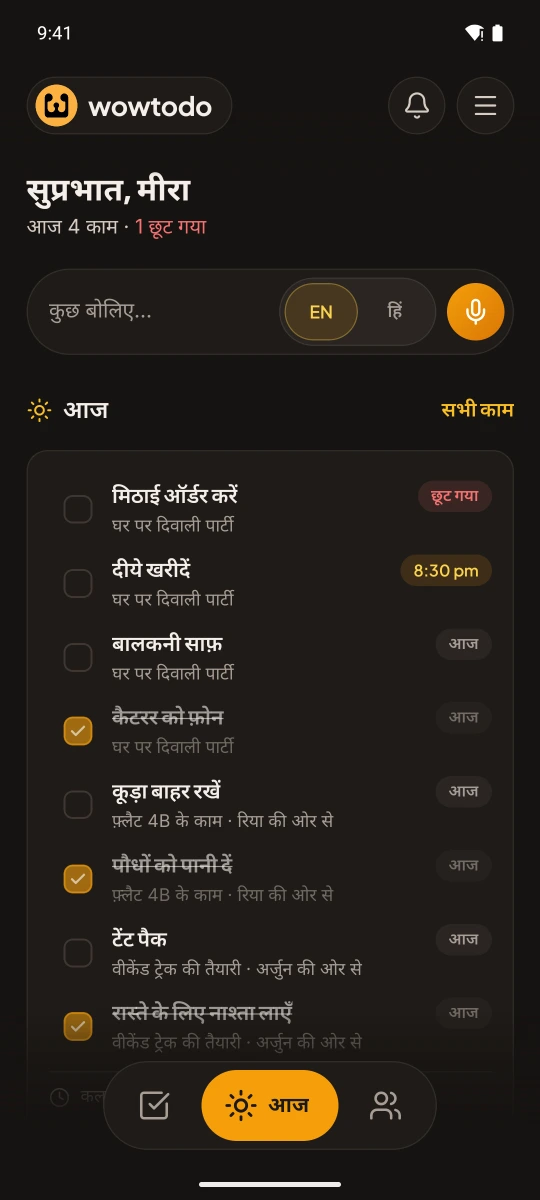
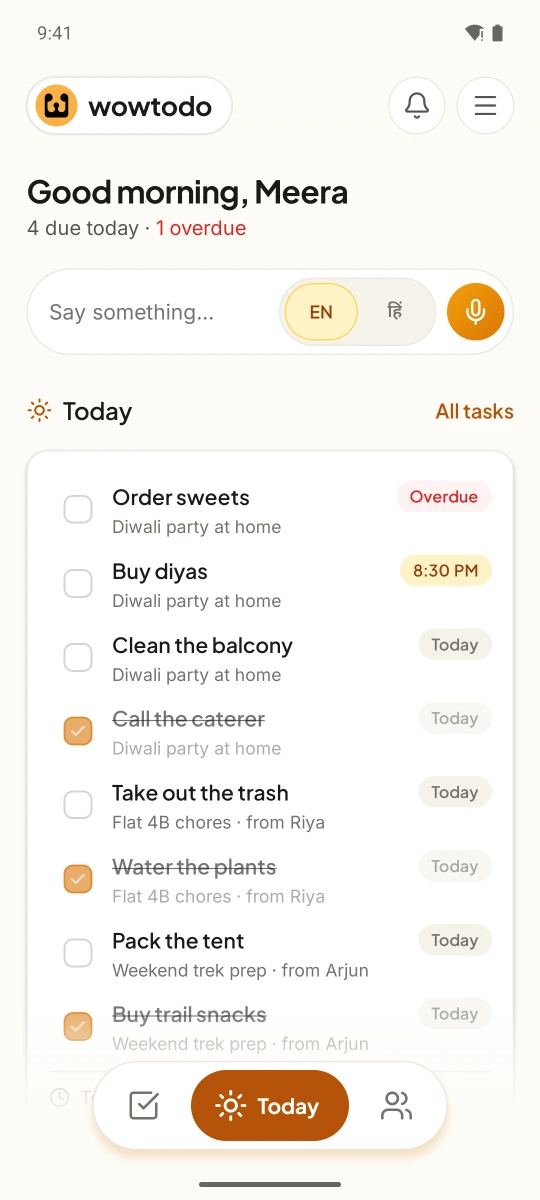
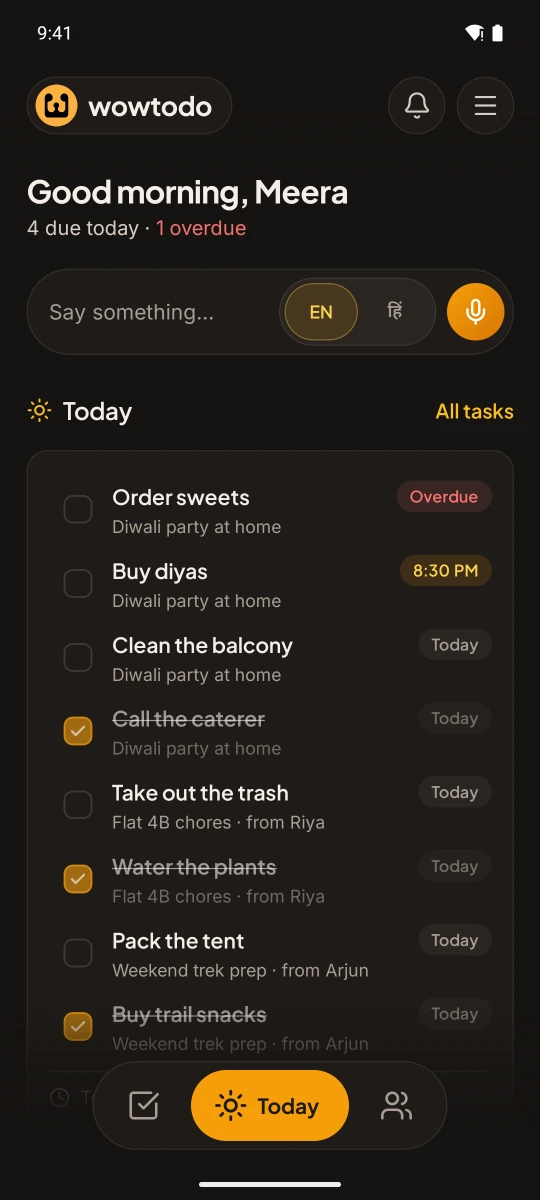
Speak or type what's on your mind, in English or Hindi. WowTodo turns it into a task with steps, a time and a reminder. When it needs other people, it becomes a plan you can share.
The electricity bill is due before the 10th. You'll remember at your desk. By the desk, it's gone.
“Order the Diwali sweets by Thursday?” It's sitting in a chat. It should be on a list.
Four friends, one Goa weekend, two hundred messages. Nobody is sure who's booking the train.
A dentist, a deadline and a 4 o'clock that quietly overlaps your 3:30.
None of it is hard. There's just a lot of it.
No forms, no fields to fill. Speak or type one sentence, in English, in Hindi, or in the mix most of us actually use. “Kal shaam 6 baje” becomes 6 pm tomorrow. “Plan Meera's birthday on Saturday” becomes a plan with steps.
Nothing is saved until you've seen it. WowTodo shows you the task first, so you can change a word or a time.
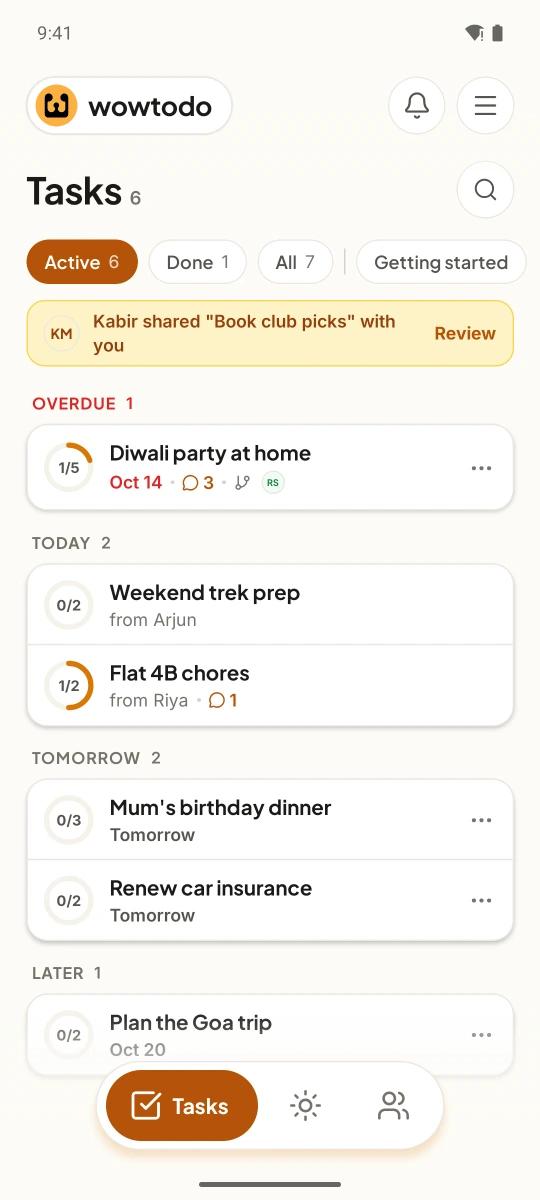
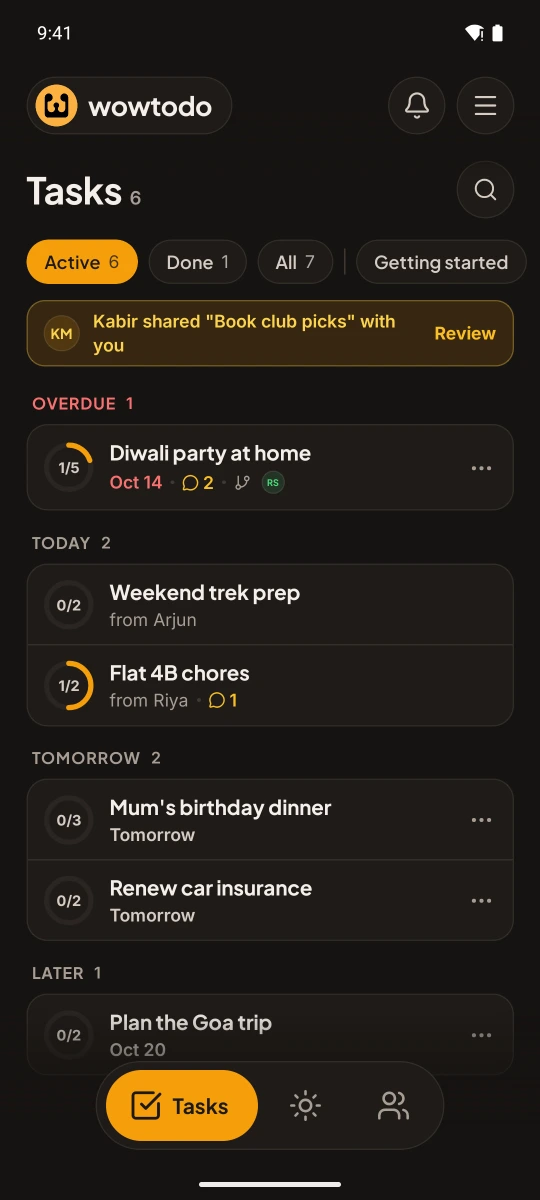
Today, tomorrow and later, with anything that slipped kept gently in view, not buried. Tick a step right from Home. Browse the week or the month when you want the bigger picture.
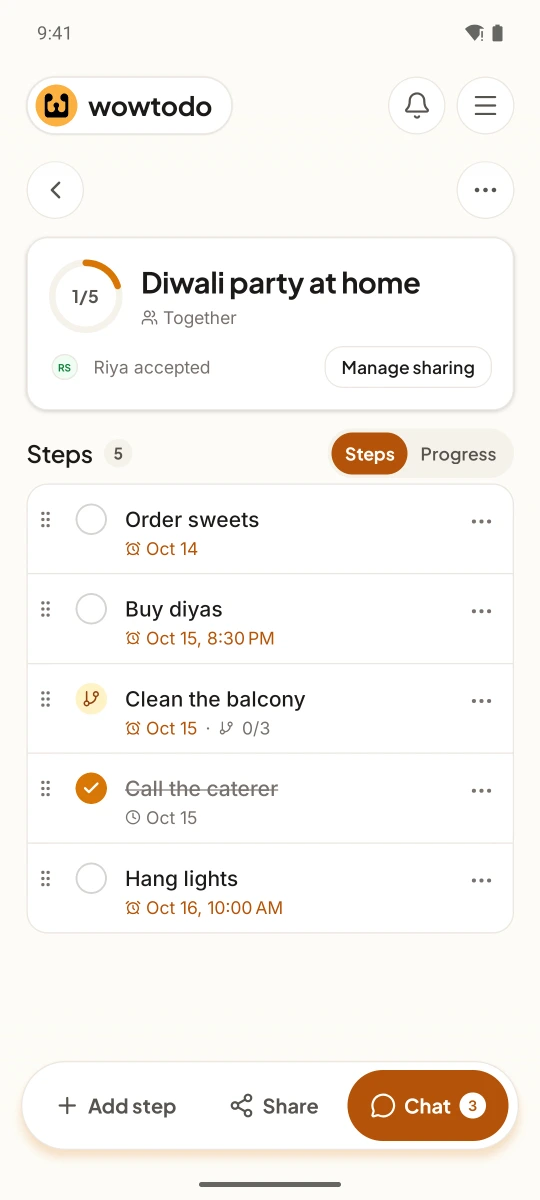
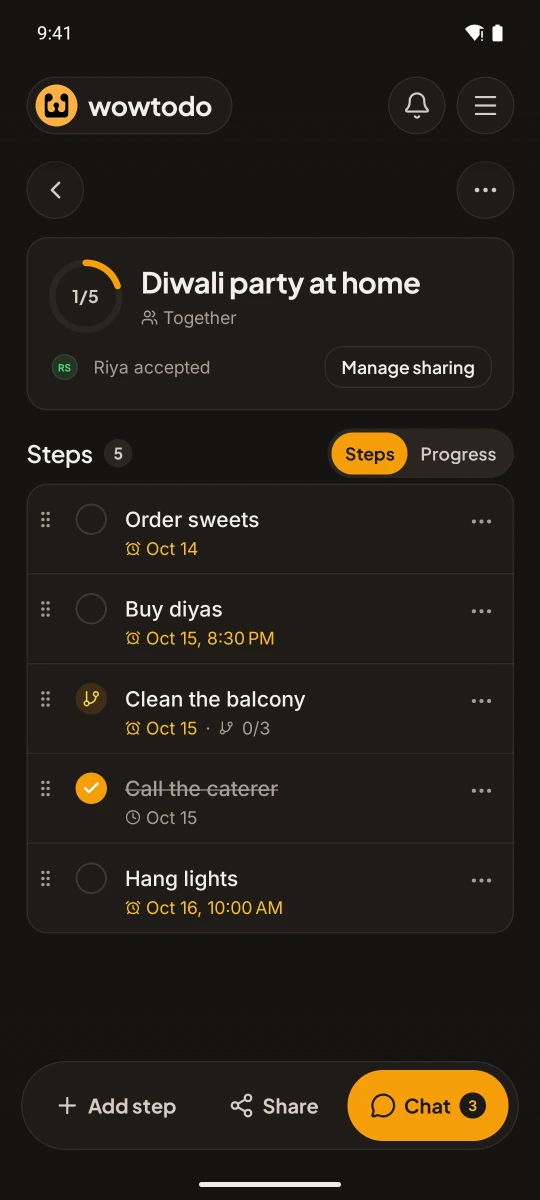
Some things were never yours alone.
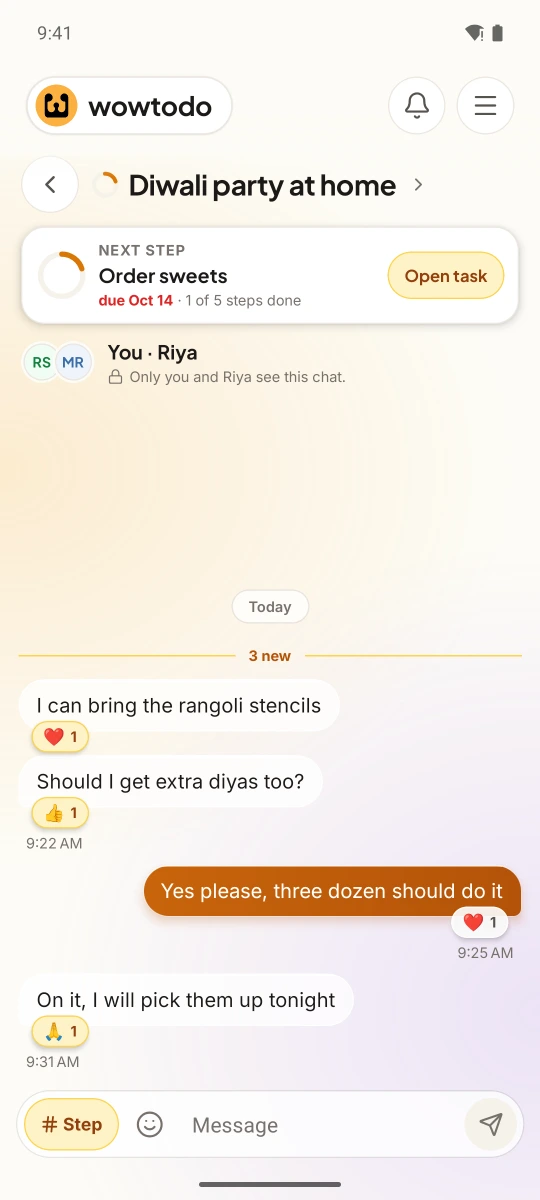
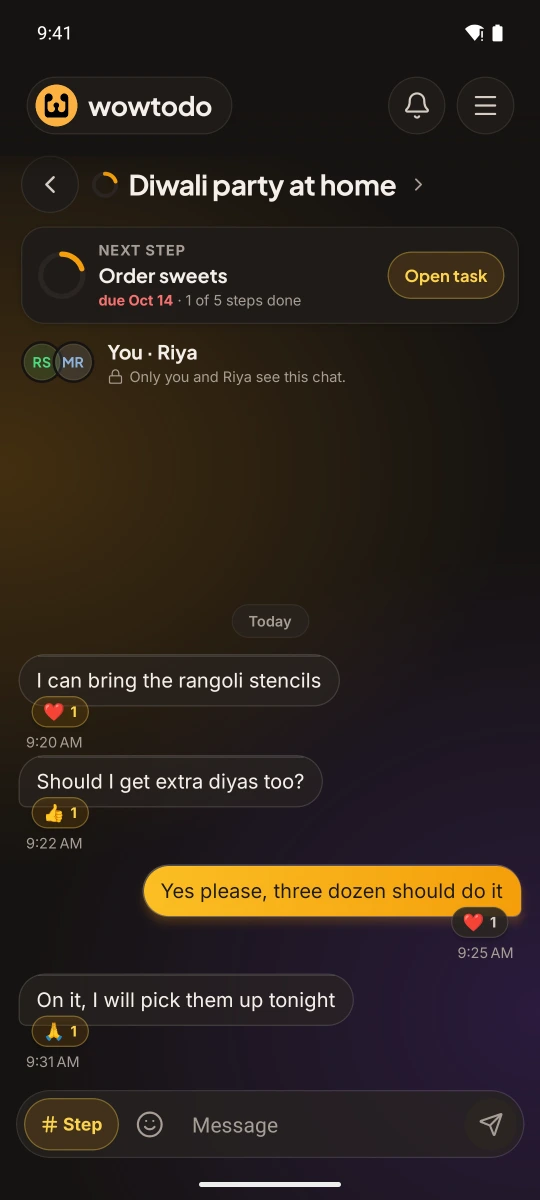
A trip, a birthday, a project, a home. Share a task with the people in it: everyone on one list, or each with their own copy to tick. Invite people to a group, share several tasks in one go from the share picker, and tag someone with @ in a task chat.
Sample data. Tap around; nothing is saved.
You add people by link, QR or email. Tasks can only be shared between people who've added each other, and you can let someone add their own team.
Most days, a list is enough. When it isn't, WowTodo has room.
Sample data. Tap around; nothing is saved.
WowTodo can remember a few things you tell it, like your gym time or which Rahul is your cousin, and it always shows you before keeping anything. See it, change it or forget it in Settings. Off until you turn it on.
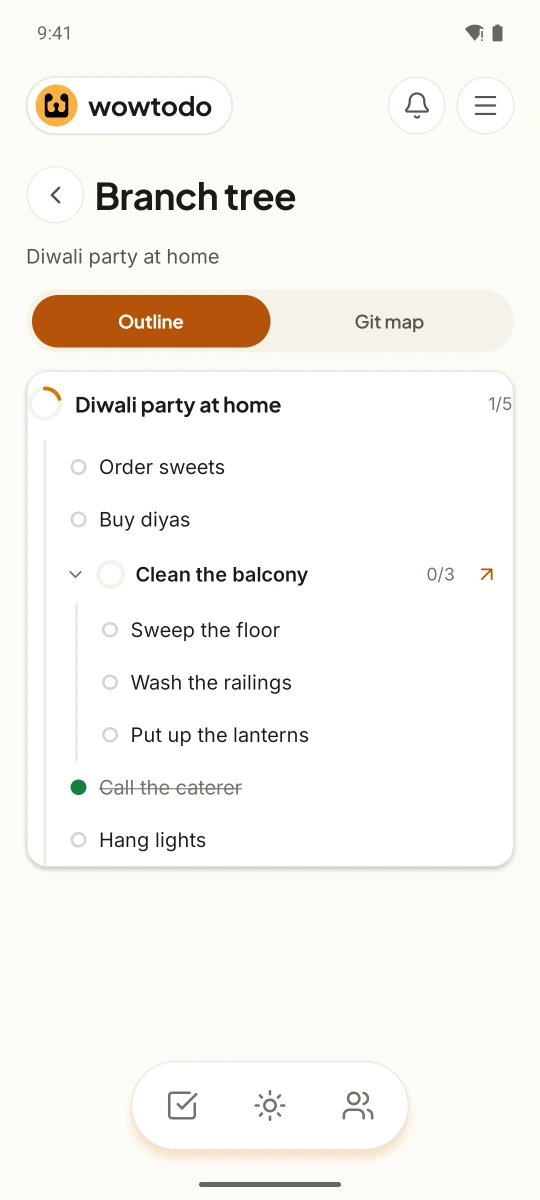
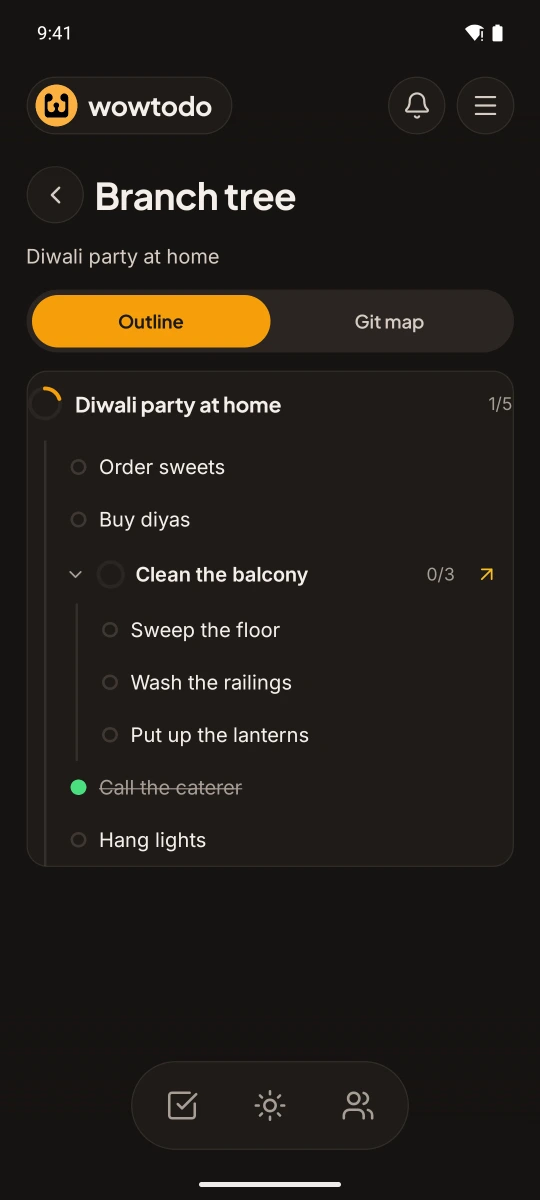
A class project, a product launch, a family Diwali. Share it with the person who leads each group and let them bring their people. Everyone ticks the same list, and you can see who's in, who's waiting and who brought them.
One project for the class; each group leader brings their group.
Teacher → leader → studentsA launch plan goes to the project lead, who adds their designers.
Manager → lead → teamThe Diwali plan goes to each sibling, who adds their own family.
Host → siblings → familiesMatch-day prep goes to the captain, who adds the players.
Coach → captain → playersYour default reminders cover every step. When one needs more notice, give it its own: a day before, an hour before, the night before at nine, as a gentle nudge or a full alarm. Share the plan with your reminders, or just tell Wow.
An alarm the day before to rehearse, a nudge an hour before to leave.
1 day before · 1 hour beforeThe draft goes out on Friday; the reminder comes on Wednesday evening.
Any day and timeThe night before the due date, when there’s still time to pay.
The night before, 9 PMShare the plan with your reminders; everyone can change their own.
Send my reminders tooWowTodo is young and changes often. Here's what's new, written for people, not engineers.
Share one plan with a whole class or team and see who's finished, without a single follow-up message.
Read the story →Some things happen every week. Some things overlap. WowTodo handles both before they become a problem.
Read the story →Client calls, invoices and your mother's birthday share one head. Give them one list.
“Send the invoice to Kabir by Friday noon.”
Assignments, a group project and the friend who forgets every deadline. One plan the whole group can see.
“Share the chemistry project plan with the study group.”
Groceries, bills, the plumber on Saturday, shared with whoever lives there.
“Buy milk and eggs this evening.”
One plan for the class, a copy for every student, and a quiet view of who's behind.
“Share the science fair plan with Class 8B.”
Speak, type, or use the whole app in Hindi.
“कल शाम 5 बजे आयशा को फोन करने की याद दिलाओ”We're opening WowTodo on Android to small groups of early users over the coming weeks. Join the list and we'll write when there's a place for you.
It's in early access on Android. Join the waitlist and we'll invite people in small groups.
Not yet. Tell us you use an iPhone in the optional questions; it helps us plan.
By hand. We look for a mix of everyday needs, phones and people who'd like to give feedback. Signing up first isn't the only thing that counts.
It's free during early access.
Confirm it's you, then tell you about your place on the list. Nothing else unless you ask for updates. You can remove yourself from any email we send.
Yes. Speak or type in Hindi, English or a mix, and switch the whole app to Hindi in Settings.
It's used to make your task and stays in your account. The privacy policy explains exactly how, including the services that help.
Set a reminder on a step or a whole task, at any day and time you pick, as a notification or a real alarm. An alarm rings until you dismiss it or snooze it, full screen over the lock screen on most phones, and one switch in Settings → Notifications lets alarms ring during Do Not Disturb.
Not always. Phone makers such as Xiaomi, Samsung, Oppo, Vivo and OnePlus add their own battery and lock-screen rules, so alarms and reminders can look or ring differently from phone to phone. Settings → Notifications has helper rows that take you to the right switches. If yours still doesn't ring as expected, tell us in Settings → Send feedback. Your phone model is sent with it, so we can fix it for your phone.
WowTodo is built and tested for Android 14 and newer. It may install on older phones, but we haven't fully tested it there, so some things may not work as expected.
Wow keeps it for you. Tap "Edit my words" to fix what you said, and "Back to plan" brings the same plan back. If you leave halfway, "Finish your plan" waits on Today until you create it or discard it.
Yes. Share a task with people you've added, and turn on "Let them add people" if a group leader should bring in their own contacts. You can also invite people to a group, and tag someone in a task chat with @.
A question, an idea, something that didn't work. Every message is read by the people building WowTodo.