
“Did everyone finish?” without asking everyone
Share one plan with a whole class or team and see who's finished, without a single follow-up message.
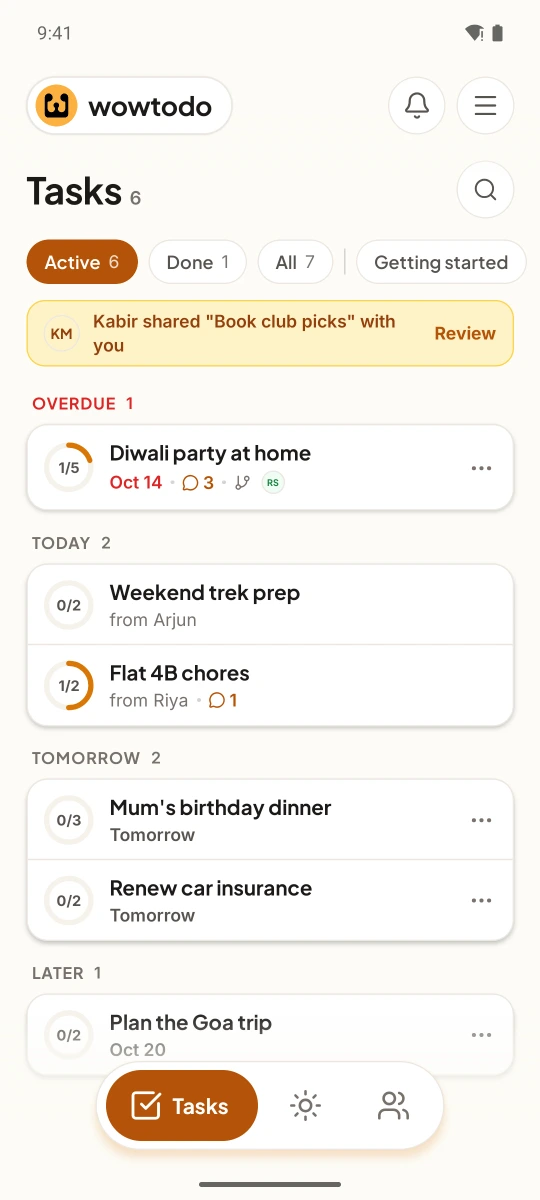
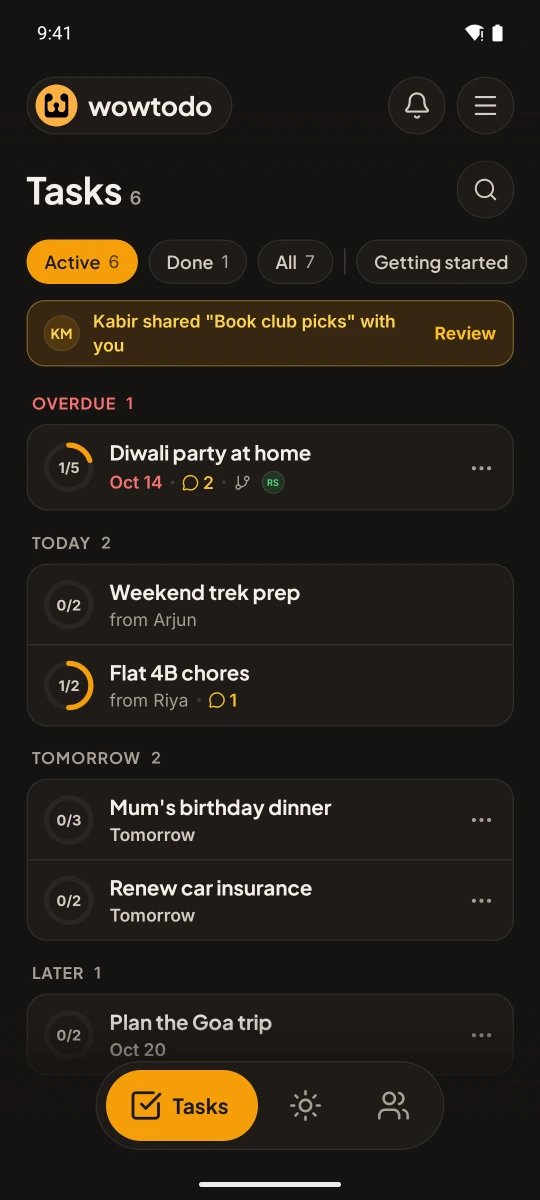
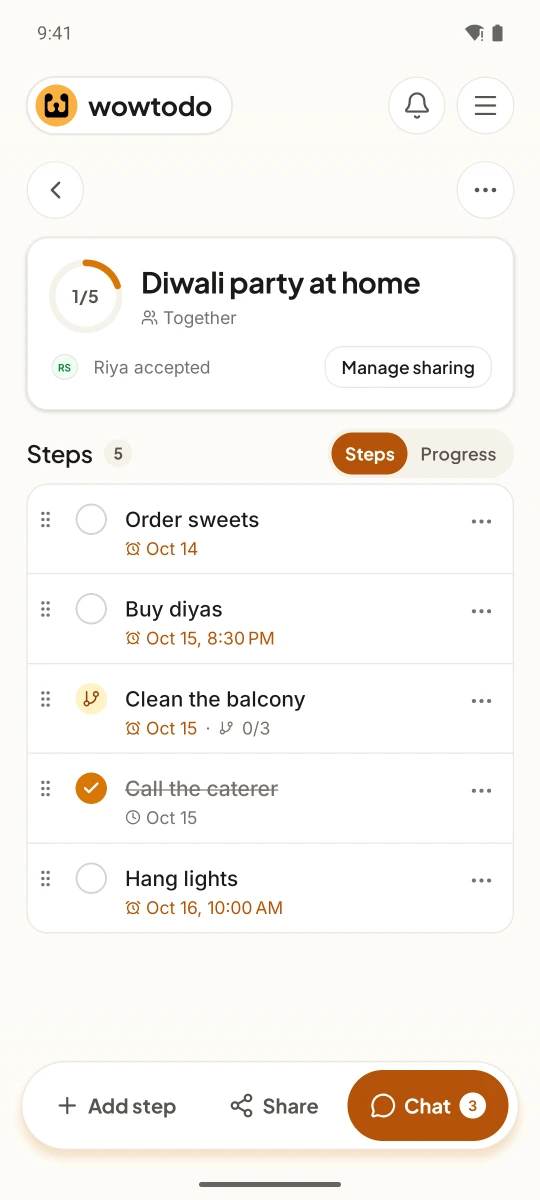
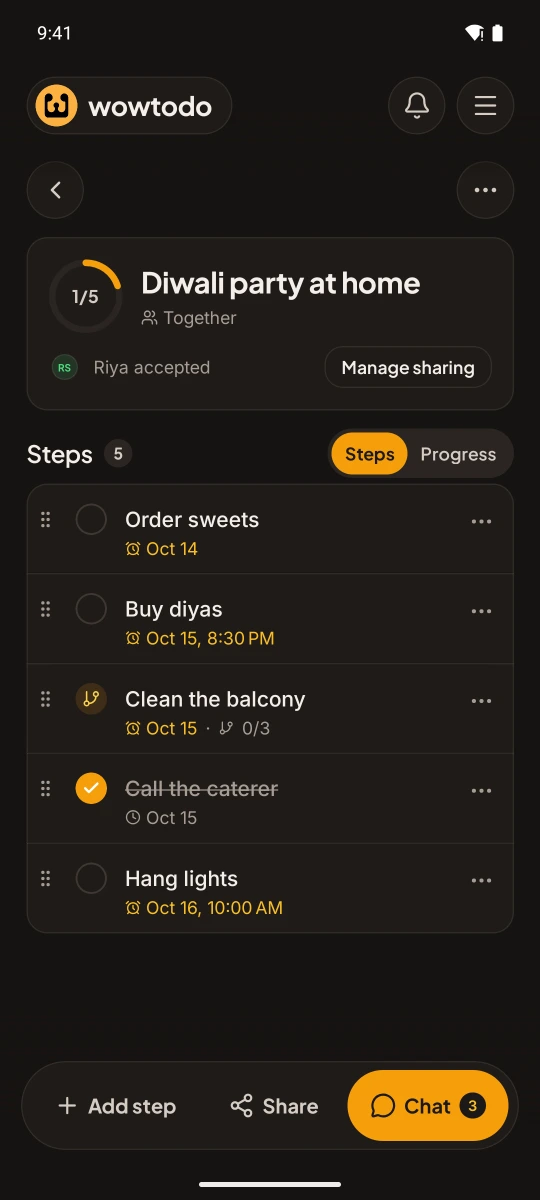
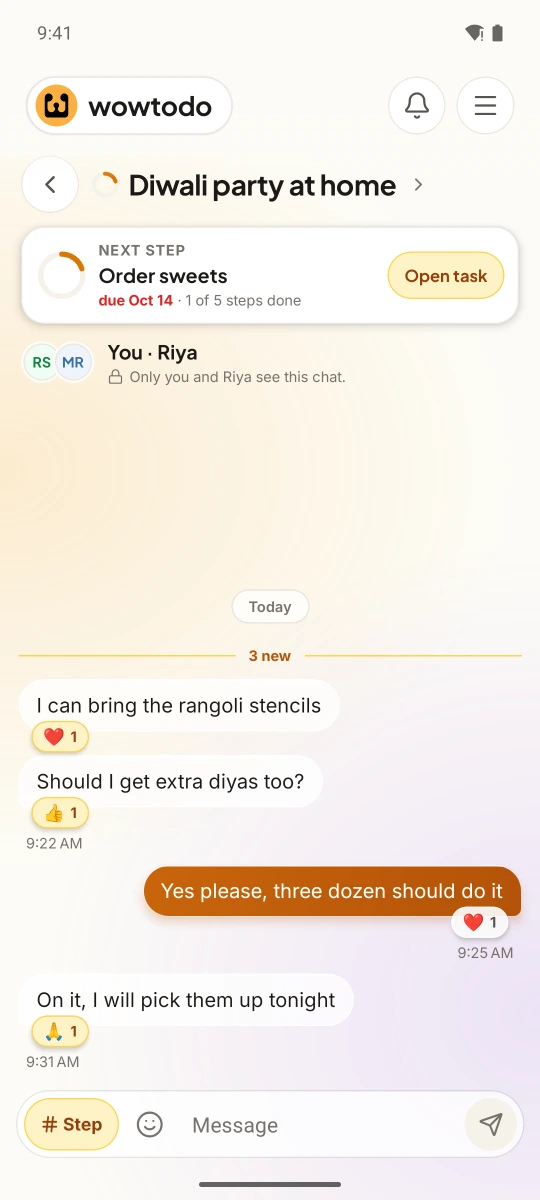
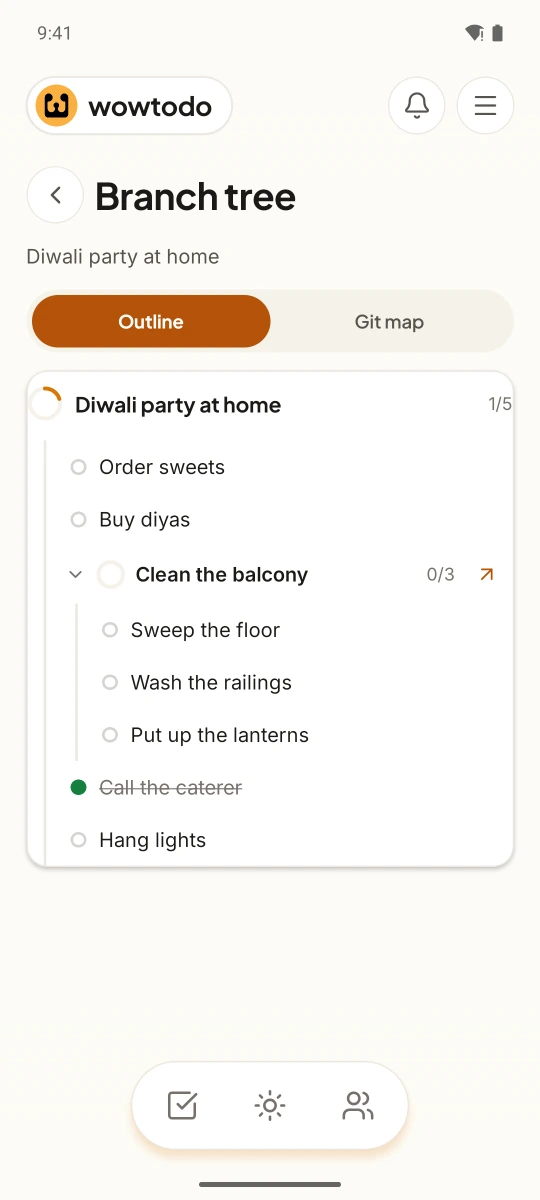
Ms. Iyer teaches science to Class 8B. The science fair is in two weeks, and every student has the same five things to do: pick a topic, draft the poster, get it checked, print it, set up the stall.
Until now, keeping track meant a register, a WhatsApp group and a lot of “Has everyone done the draft?”. Half the class replies. The other half doesn't, and that's the half she needs to hear from.
One plan, a copy for everyone
In WowTodo she makes a group for the class and puts its QR code on the board. Students scan it and ask to join; she approves them, so only her class gets in.
She shares the fair plan with the group and picks “everyone does their own”. Each student gets their own copy of the five steps to tick off. Nobody can tick someone else's.
The answer, without the asking
The Progress tab shows who has finished, who hasn't started and which step people get stuck on. If twelve students are still on “get it checked”, she knows where to spend Thursday's class.
For the ones who are behind, one tap sends a friendly nudge. Once a day at most, so it stays a reminder, not a nag.
Works the same for a team or a family
Swap the class for a team at work, a society committee or a family planning a wedding. Share one list everyone works on together, or give each person their own. Either way, you stop asking “Did everyone finish?” and simply look.
Sample data. Tap around; nothing is saved.
Want this in your hands?
We're opening WowTodo on Android to small groups of early users. Join the list and we'll write when there's a place for you.